Promo Codes 2.0, Auto-Translation to 14 Languages, New Staff Permissions and More
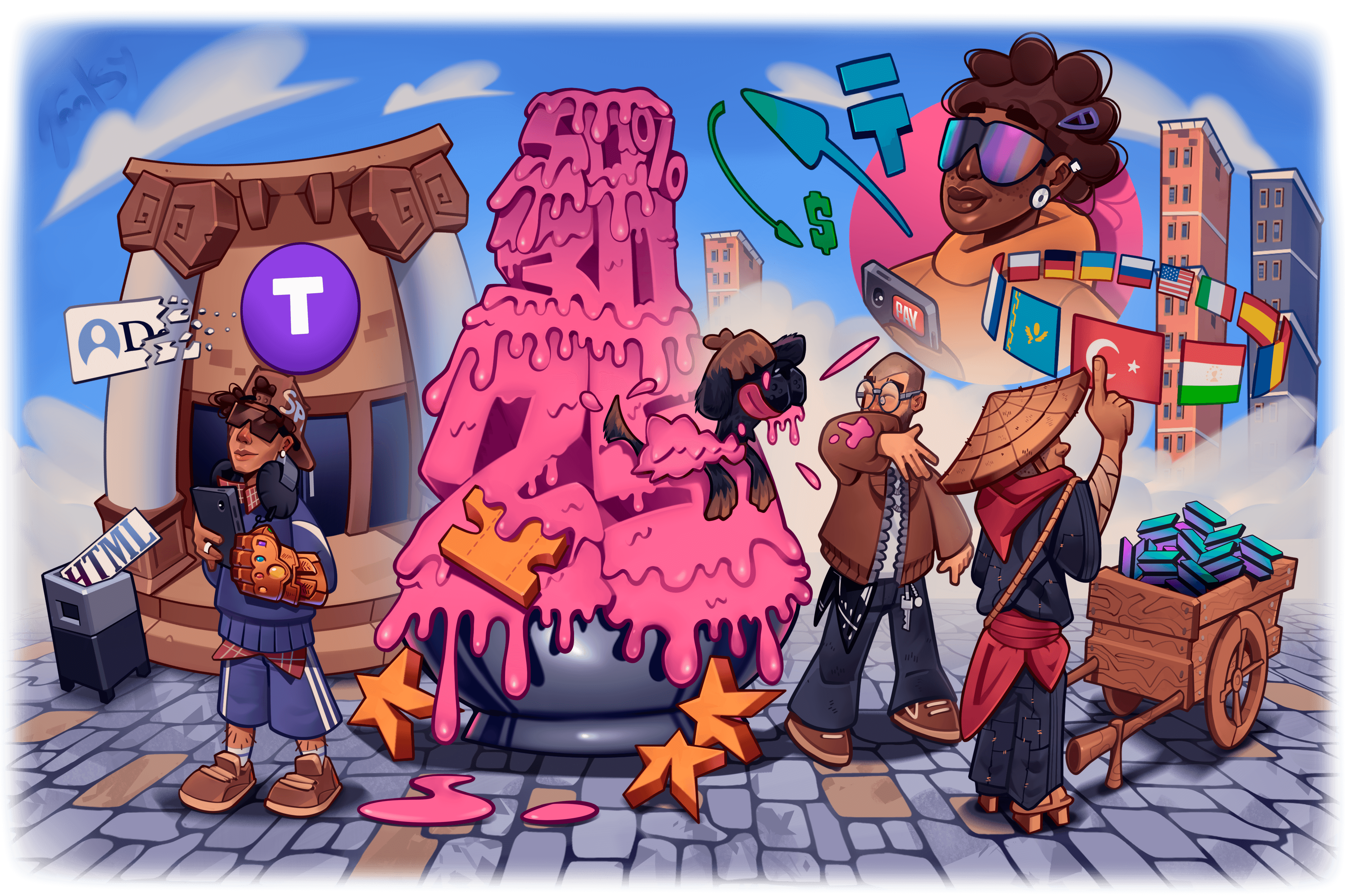
Introducing the first Toolsy update of 2025: expanded promo code capabilities, auto-translations for working with international audiences, new access permissions for project management, convenient Toolsy payment methods, and much more.
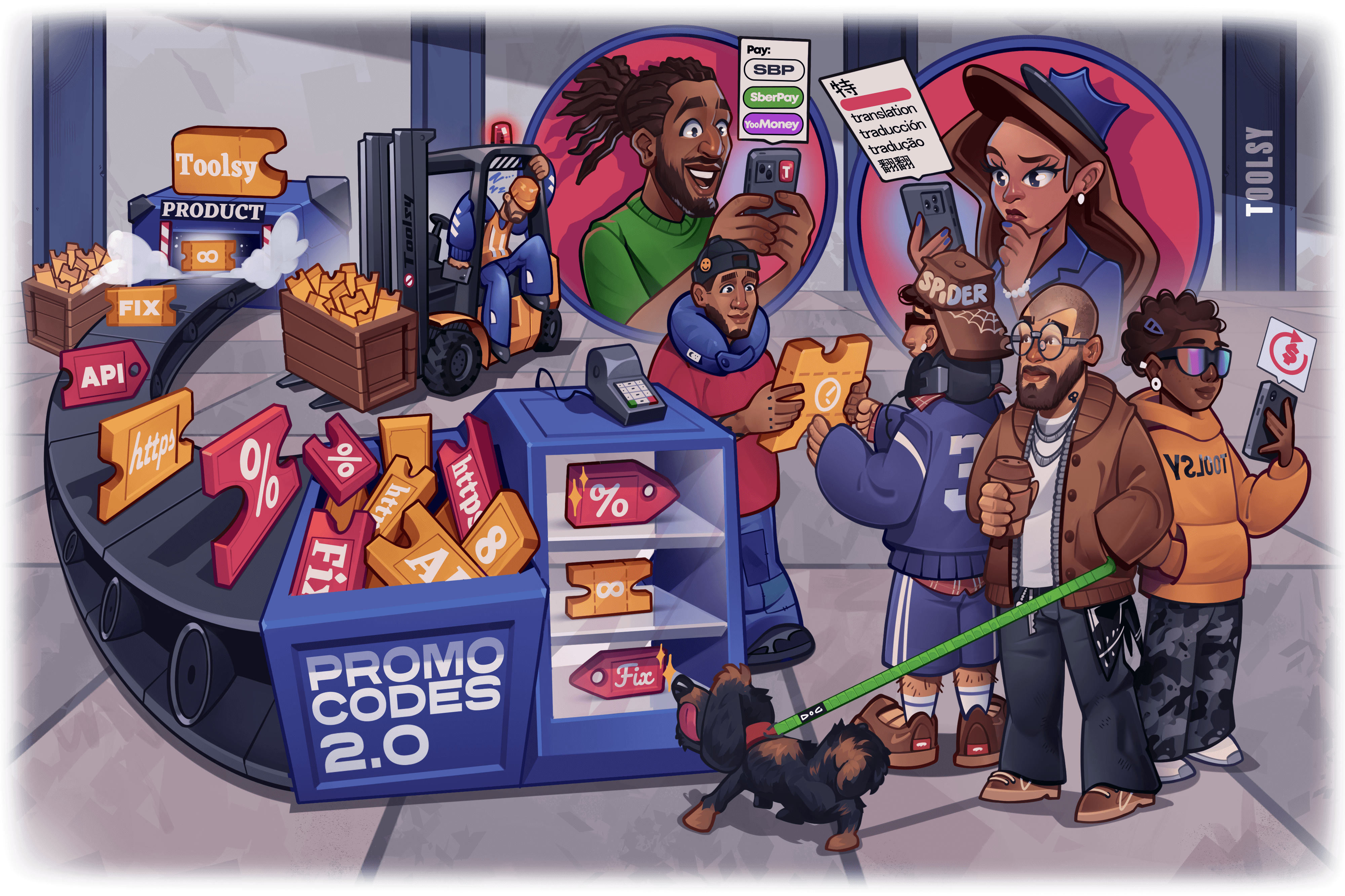
Promo Codes 2.0
We're excited to present the updated version of promo codes — they've become even more convenient and functional.
You can now create promo codes several times faster, set fixed amount discounts, use direct links for quick discount activation, configure the number of auto-payment charges with discount, and expand API integration capabilities.
New Promo Code Creation Principle
Creating and managing promo codes has become even easier: we've moved promo codes from plans to products.
Now in promo code settings, you just need to select the desired plan — and it will apply within the promo code. Creating identical promo codes in different plans is no longer required.
Fixed Amount Promo Code
Before today's update, you could only create a promo code with a percentage discount.
Now a second option is available — fixed amount.
When creating and editing a promo code, you can choose the discount type: "percentage" or "fixed amount".
Direct Link for Discount Activation
You can now activate a discount via direct link — without manually entering a promo code. Users just need to follow the link, and the discount will automatically apply to plans included in the promo code.
This way, simply by sharing a link, you can organize both mass promotions for a wide audience and provide personal discounts to a limited group of customers.
Promo Code Duration for Recurring Payments
You can now set the number of recurring charges at the discounted price. For example, the discounted price for auto-payment can apply once, several times, or indefinitely.
After the specified number of recurring promo code charges is complete, subsequent payments will be charged at the plan price.
To configure the number of discounted charges, open promo code settings and click the "Recurring discount" button.
"Unlimited" Button in Promo Code Settings
A new "Unlimited" button has appeared in promo code settings. You can now use this button when the promo code doesn't need a specified number of uses, reuses, expiration date, or number of discounted auto-charges.
API for Promo Codes
When creating a promo code via API, you now need to specify the product it belongs to.
Developers can find information in the documentation.
Auto-Translations
The ability to translate system messages has been available in Toolsy for many years.
Today's update introduces support for automatic translation of custom messages configured in the bot. Auto-translations also work with broadcasts you send to different audiences.
After enabling the feature, messages will be automatically translated and delivered to each user in their language selected in the bot.
Language selection occurs at bot launch or restart, and can also be changed in settings at any time.
New Staff Access Permissions
Toolsy first introduced the "Permissions" feature in 2022, continuously improving and adding new capabilities.
Today's update adds new access permissions that can be granted to staff for project management: language, timezone, content protection, required subscription, gift subscription, donations.
Auto-Payment Cancellation Notification
When canceling auto-payment, customers received a popup notification: "Auto-payment successfully disabled, subscription will no longer renew automatically."
We've replaced the popup with a persistent notification that stays in the chat history.
This update will reduce support inquiries from customers concerned that recurring payment wasn't disabled.
Adding Text with Telegram Formatting
Before today's update, Toolsy didn't support pasting text with native Telegram formatting. For example, if you copied pre-formatted text from "Saved Messages", a channel, or group and tried to paste it into a bot message or send a broadcast.
Now you can copy Telegram-formatted text and paste it into editable messages in Toolsy. We've added support for different text styles to make working with content more convenient.
Subscription Expiration Reminder Preview
Previously, the subscription expiration reminder preview showed the product name "Fitness" — purely as an example.
Now the preview shows the variable {product_name} instead of "Fitness". When the customer receives the reminder, {product_name} will automatically be replaced with the product name whose access is expiring.
We've always tried to avoid variables to keep Toolsy simple to use and understand, but with growing functionality, another one appeared in 2025.
Toolsy Plan Payment
A new payment system has been connected for paying Toolsy plans from Russia. Now you have several payment methods available: bank card, SBP, SberPay, and YooMoney.
Other Improvements and Changes
Improved stability of payment processing and subscription access delivery after payment.
Added additional security verification when linking channels and groups.
Optimized broadcast operation.
Improvements made and bugs fixed.
🎅 Our team wishes everyone a Happy New Year, ever-growing sales, and even more satisfied customers!